Seedance 2.0 Mini AI Video Generator
What is Seedance 2.0 Mini?
Seedance 2.0 Mini is a lightweight AI video generator for creators who need short, controllable clips from text prompts and reference images. It is designed for fast concept development, social content, product advertising, storyboard previews, and visual testing. Instead of treating every generation like a final cinematic render, Seedance 2.0 Mini gives you a practical workflow: describe the scene, choose the format and duration, add references when needed, generate a clip, then refine the prompt for a better result. The model focuses on repeatable creative iteration, clear motion direction, and fast decision-making before you move a winning idea into higher-fidelity production.
Why creators use Seedance 2.0 Mini:
Fast visual exploration
Turn a rough prompt into a motion draft quickly, compare multiple directions, and decide which idea deserves more production time.
Reference-guided creation
Use images to guide subject, style, framing, or mood so the generated clip has more context than a text-only prompt.
Prompt-first iteration
Review each result, adjust the prompt, and generate another version. The workflow is built for creative testing rather than one-shot perfection.
Key Seedance 2.0 Mini features for AI video creation
Built for fast experiments, concise clips, and team-friendly review workflows.
Fast visual testing
Generate quick motion drafts for prompts, shots, styles, and product ideas before committing to higher-cost production.
Text and image guidance
Use a written prompt, a visual reference, or both to shape character movement, camera direction, and scene design.
Clean short-form output
Create concise clips for social videos, ad concepts, thumbnails in motion, and fast creative validation.
Consistent creative direction
Keep prompts, references, and settings organized so teams can compare variations without losing the original idea.
Lower iteration cost
Use Mini when you need more attempts, faster feedback, and practical exploration before producing final scenes.
Browser-based workflow
Create and review AI video ideas online with no local GPU, complex software, or traditional editing setup.
Examples
See Seedance 2.0 Mini examples in action
Six Seedance 2.0 Mini video examples showing fast drafts, product scenes, character motion, and visual testing in action.
How to use Seedance 2.0 Mini in 3 steps
A simple workflow from prompt to downloadable test video.
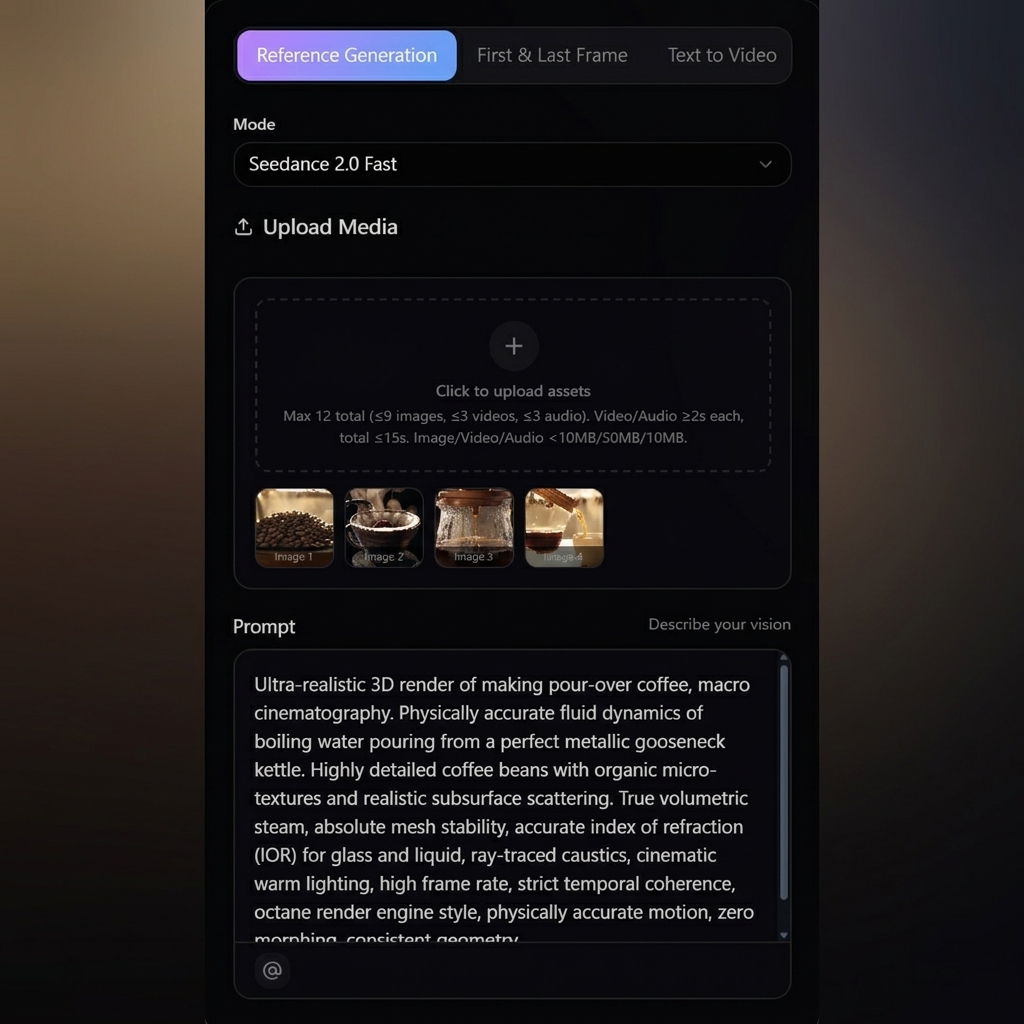
Enter a prompt or upload a reference
Describe the shot, subject, style, camera movement, and mood. Add an image reference when you want stronger visual guidance.
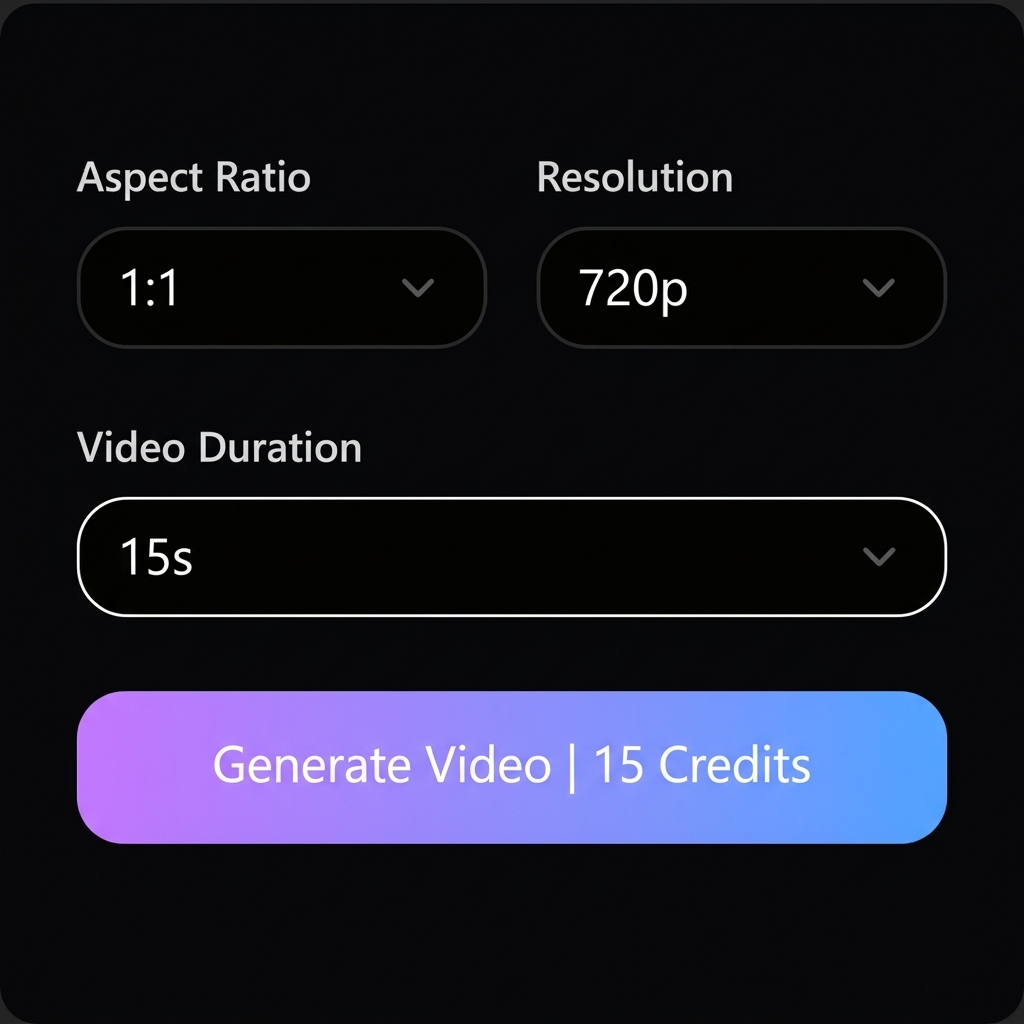
Choose simple generation settings
Select duration, aspect ratio, resolution, and mode. Use Mini Fast for quick testing or Mini for a more refined pass.
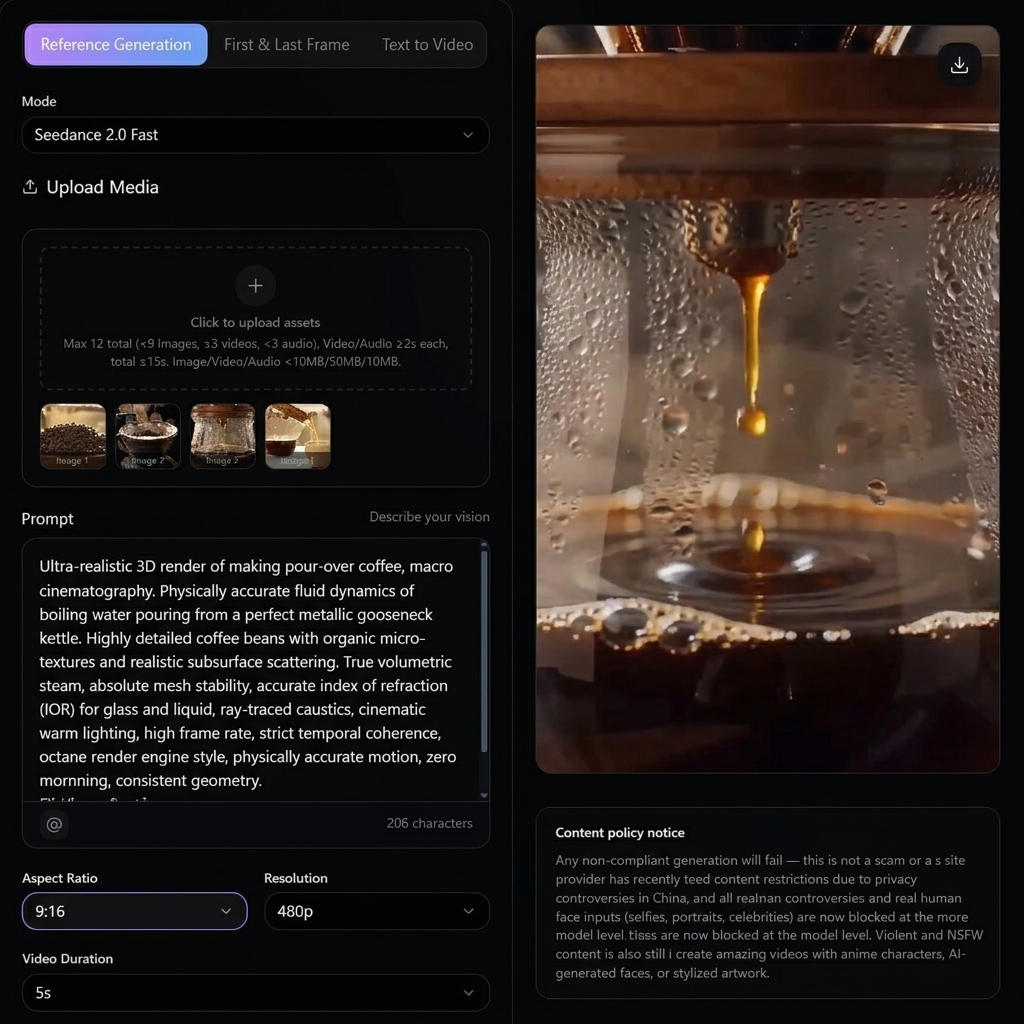
Review, download, and iterate
Compare generated results, save useful clips, and refine the prompt until the concept is ready for production.
Seedance 2.0 Mini use cases for creators and teams
Use Mini when you need speed, range, and clear creative choices.
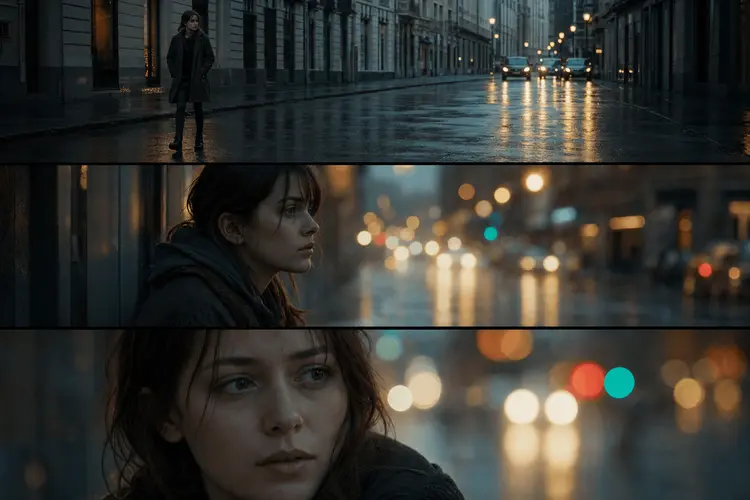
Ad concept testing
Test product scenes, hooks, and motion language before building a complete campaign.
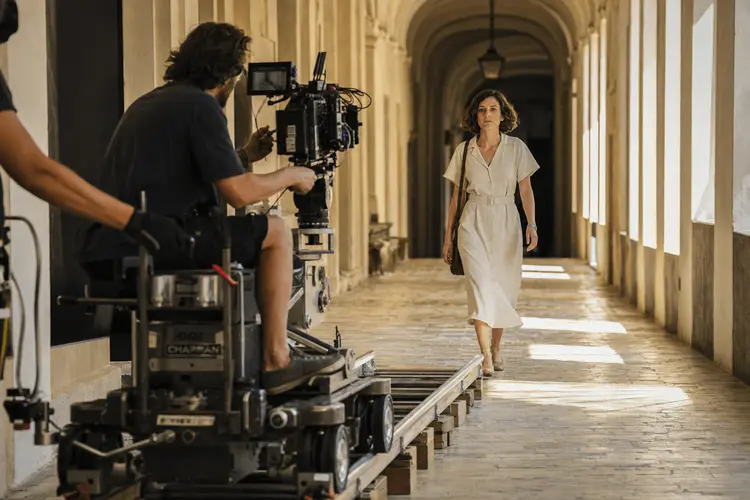
Creative direction
Explore visual styles, lighting, and pacing with quick AI-generated drafts.
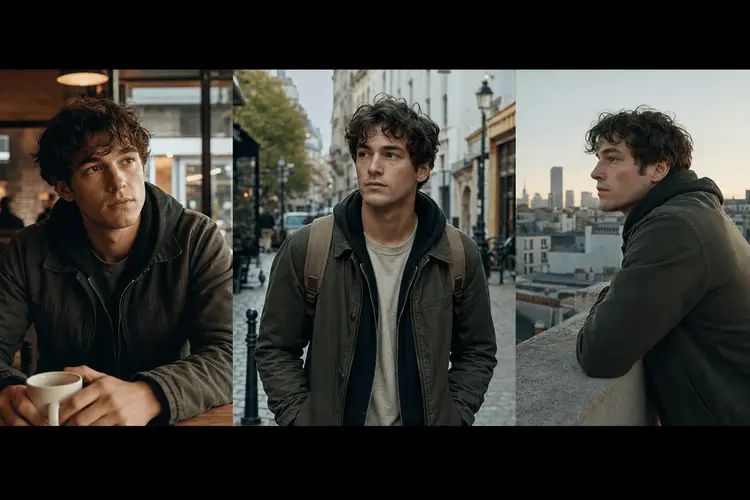
Team reviews
Share multiple variations with clients, teammates, and stakeholders for faster feedback.
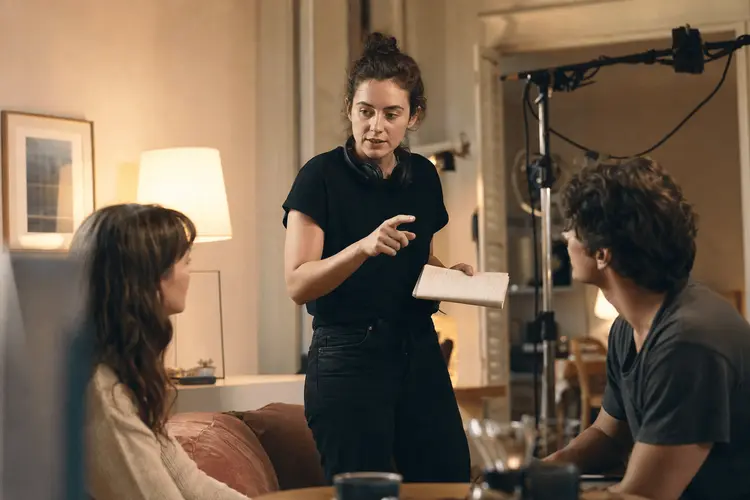
E-commerce motion
Turn product ideas into short dynamic scenes for testing listing videos and paid ads.
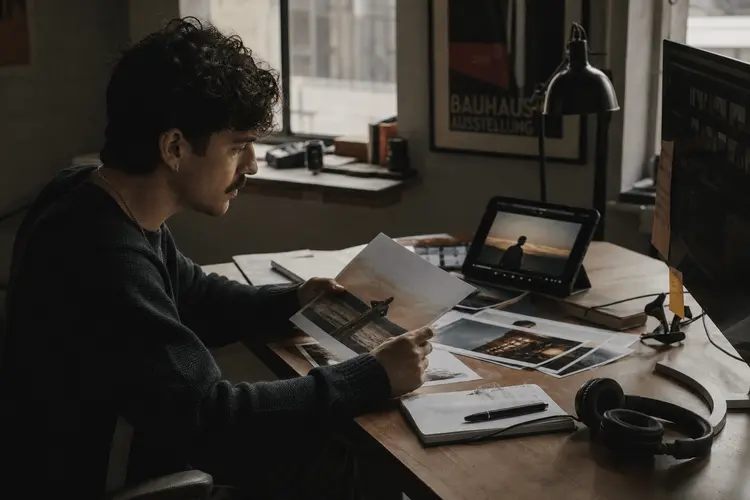
Social media production
Create fast clips for TikTok, Reels, Shorts, launch teasers, and creator content calendars.
Performance testing
Generate many small variations for hooks, first frames, and visual pacing experiments.
Seedance 2.0 Mini vs Seedance 2.0, Sora, Veo, and Kling
Choose Mini when speed and iteration matter most. Move to larger models when the winning concept needs more polish.
Why choose Seedance 2.0 Mini for visual testing
Mini is designed for the messy, useful middle of creative work: trying, comparing, and improving fast.
Explore more ideas
Mini is ideal when you need to test ten directions instead of over-investing in one.
Validate before production
Use fast results to decide which prompts, references, and camera moves are worth scaling up.
Keep workflow simple
Prompt, generate, compare, and refine in a clean browser-based workflow.
Frequently asked questions about Seedance 2.0 Mini
Quick answers for creators testing Seedance 2.0 Mini on our platform.
Seedance 2.0 Mini is a lightweight AI video generation option for fast visual testing, short-form creative drafts, and prompt iteration.
Seedance 2.0 Mini is optimized for speed and iteration, while Seedance 2.0 is better for higher-fidelity cinematic results and more polished production work.
Yes. You can use text prompts and image references to guide the generated video direction.
Creators, marketers, product teams, agencies, and social media teams can use Mini to test video ideas quickly before final production.
Generated videos may be used commercially when your use complies with the platform terms, content rules, and any applicable third-party rights.
No. Seedance 2.0 Mini is designed for prompt-based creation in the browser, so beginners can start with simple descriptions.
Start testing ideas with Seedance 2.0 Mini
Generate quick AI video drafts, compare concepts, and move the best ideas into production with confidence.
Create with Seedance 2.0 Mini